
Channel Blend Transition
This transition based on luminance/color channel values uses blurs and blending modes to create blur dissolves, glow/flash dissolves, and beautiful new dissolve transitions.
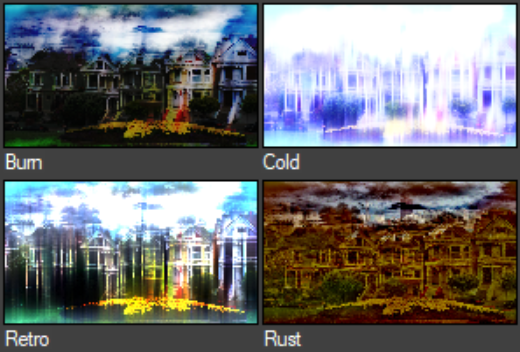
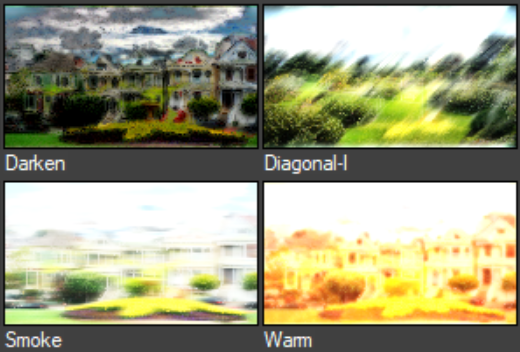
| Parameters: | |
| Progress | Controls A/B dissolve progress. |
| Dissolve | |
| Channel | Choose the type of image information that will visually flow the dissolve over time. |
| Invert | Invert channel. |
| Softness | Adjust the edge softness of the dissolve. |
| Blending | |
| Blend Mode | Select a blend mode. |
| Blend | To alter the blend's overall strength, adjust its transparency with the source image. For unusual looks, enter values outside the 0-100% range. |
| Blur | |
| Blur Size | Controls the blur power. |
| Stretch | To stretch a blur into a linear blur, adjust towards 0% or 100%. |
| Direction | Controls the blur directions. |
| Glow Color | |
| Contrast | Value of 0.0 = no change. Positive - up. Negative - down. |
| Gamma | Value of 0.0 = no change. Positive - midpoint up. Negative - midpoint down. |
If you like our free ChannelBlend transition, check out what our professional dissolve transition DissolveMaster can do.
Explore More Glow Transition Variations:

Light Stripes – Soft dissolve between scenes via a series of static or moving glowing stripes.